
Connect GrabFood, Foodpanda & ShopeeFood
Link your delivery platforms to EPOS360 and orders arrive on one screen and print straight to the kitchen. No second tablet, no retyping.
WHO THIS IS FOR
Owners juggling delivery tablets
who want every channel landing on the EPOS screen instead.
Kitchens retyping delivery orders
— once connected, tickets print automatically.
BEFORE YOU BEGIN
Delivery pricing is set in EPOS. Item Management › open an item › Customize Pricing lets you mark delivery prices up by a fixed amount or a percentage, set separate delivery hours, or run a dedicated delivery menu.
Have your credentials ready. GrabFood needs your GrabMerchant login; Foodpanda needs your 4-character Vendor ID.
Orders are handled in EPOS, menus in the platform app. Accept, reject and cancel on your EPOS screen; menu structure stays in GrabMerchant, Foodpanda or the Shopee Partner app.
THE STEPS
Pick the device in front of you.
Open Add-ons
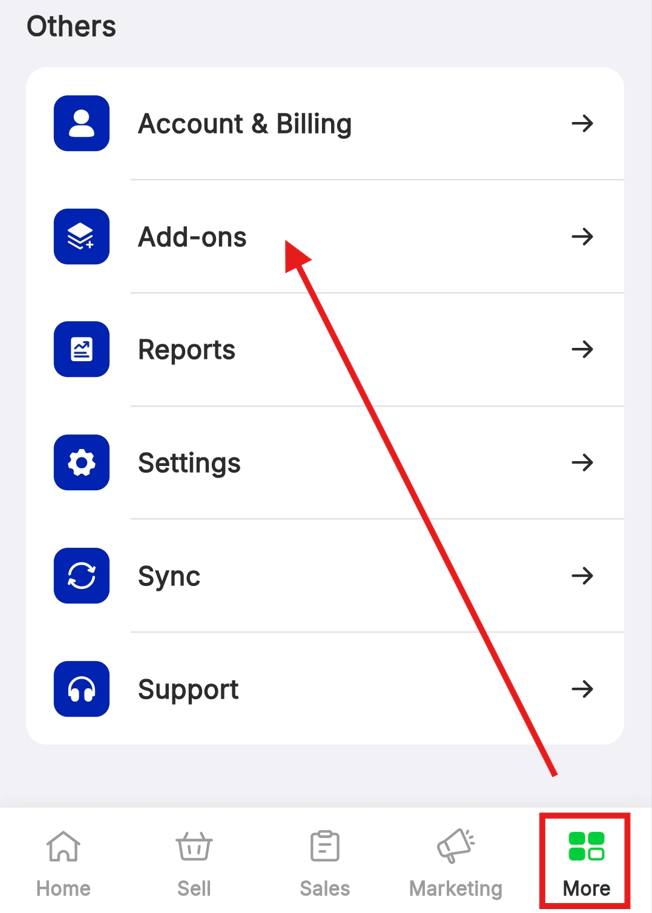
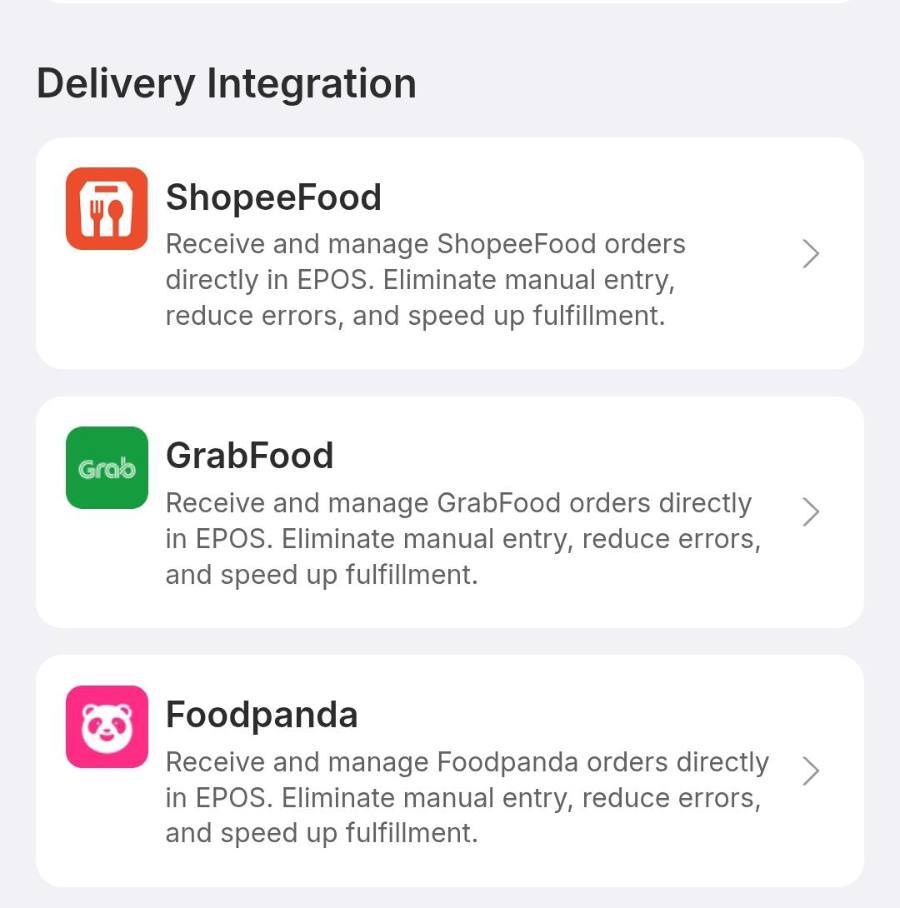
Tap the More tab at the bottom right, scroll down to Add-ons, and find the Delivery Integration block. All three platforms are listed there, each marked Free.
Connect GrabFood
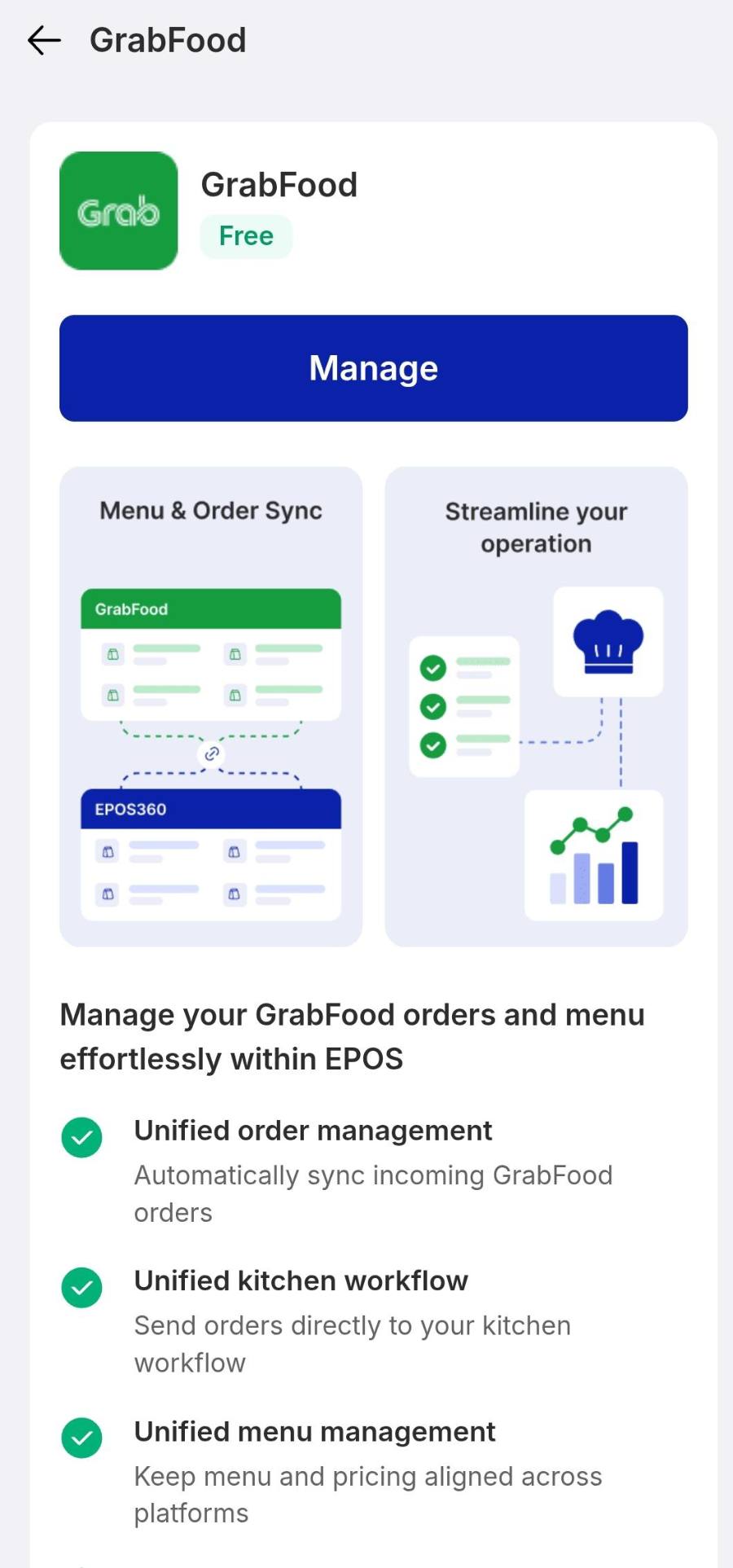
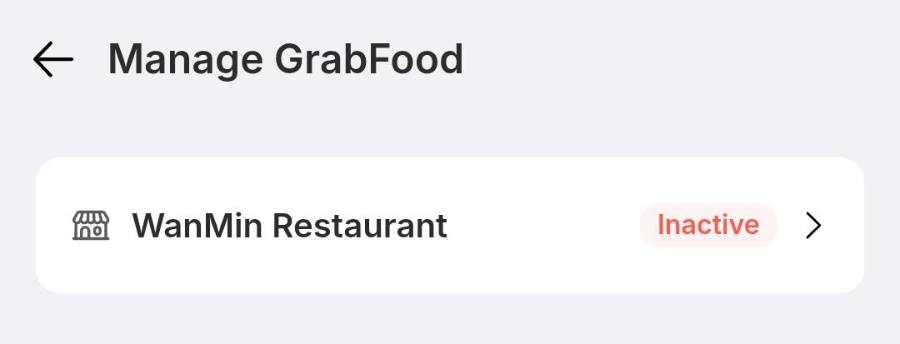
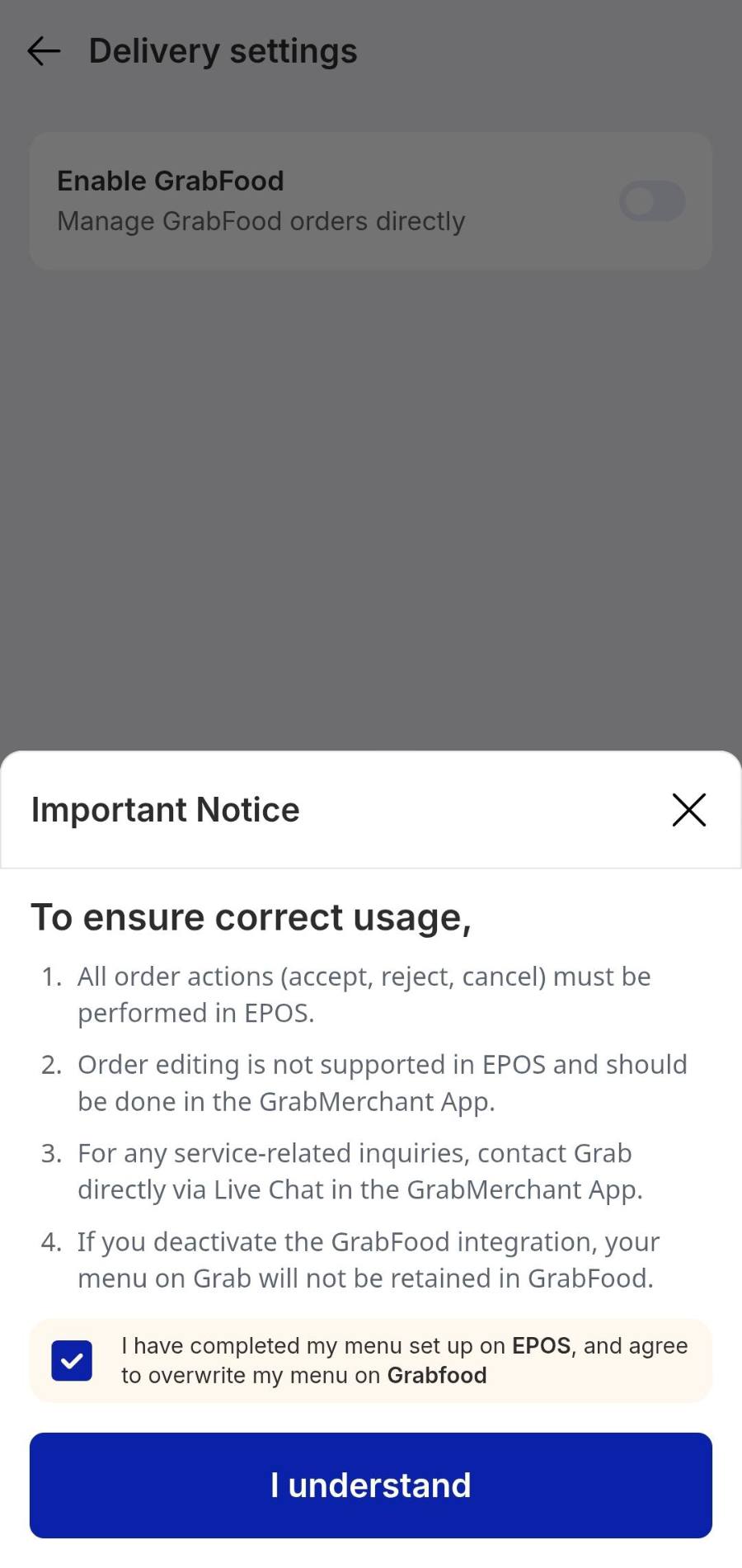
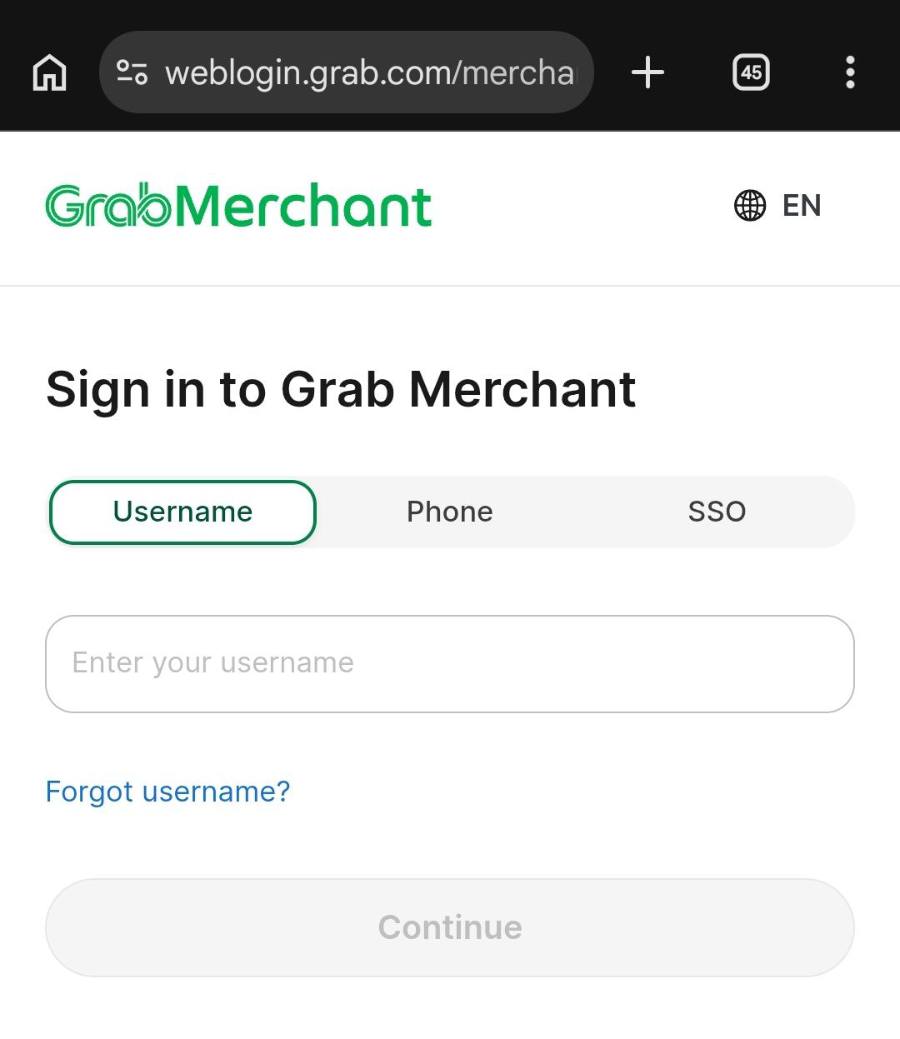
Tap GrabFood, then Manage. Choose your outlet — it will show an orange Inactive badge — and switch Enable GrabFood on. Read the Important Notice, tick the box confirming your EPOS menu is ready to overwrite the Grab one, and tap I understand. A secure browser opens on Sign in to Grab Merchant: enter your GrabMerchant username and password, tap Continue, then return to EPOS360. Grab links immediately — no waiting period.
Connect Foodpanda
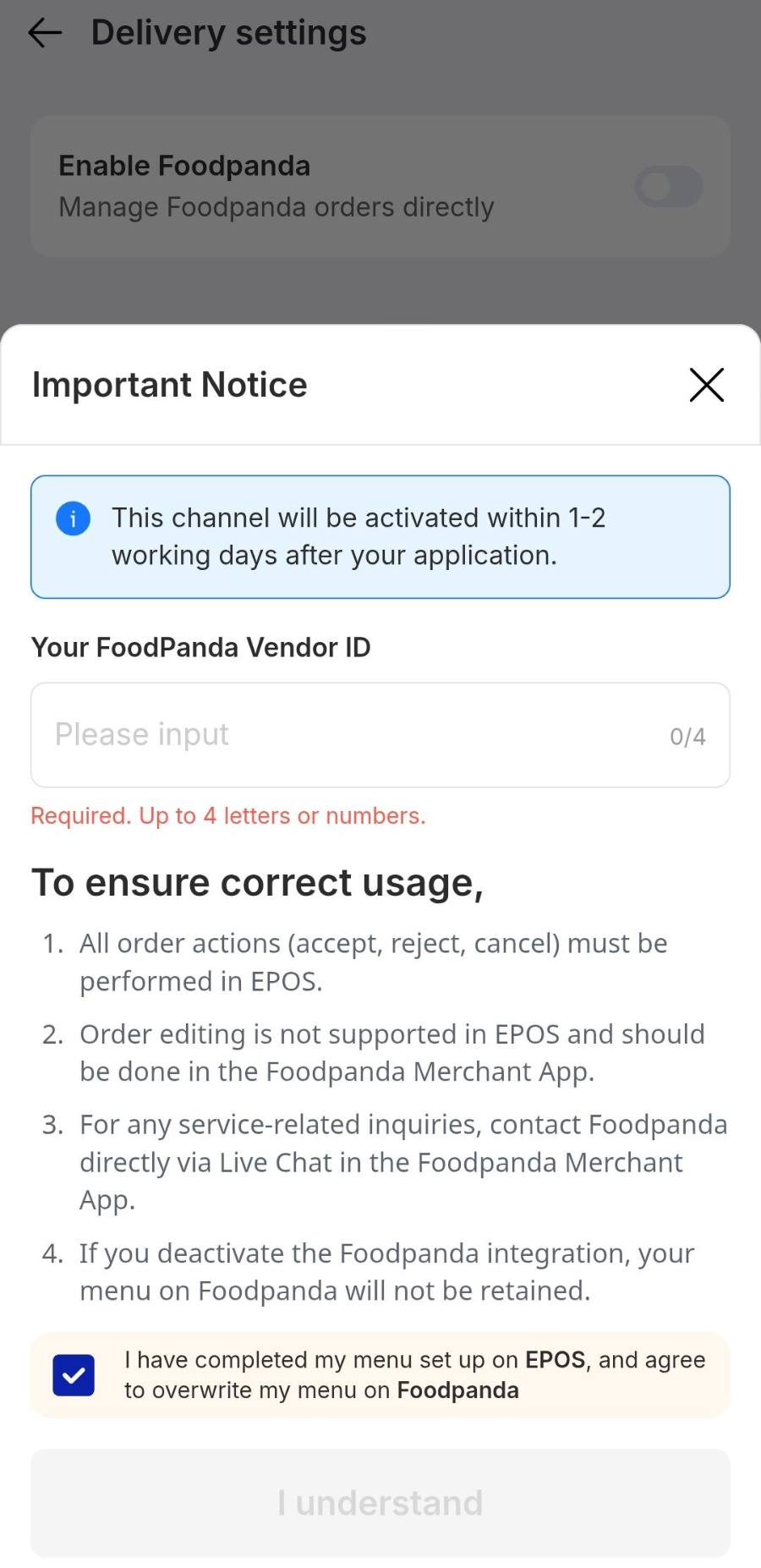
Back in Add-ons, tap Foodpanda, then Manage, and switch Enable Foodpanda on. In the notice that slides up, type your Foodpanda Vendor ID — four letters or numbers, for example Bv09 — tick the confirmation, then tap I understand. You will see Submitted successfully, and the status turns to an orange In progressing.
Connect ShopeeFood
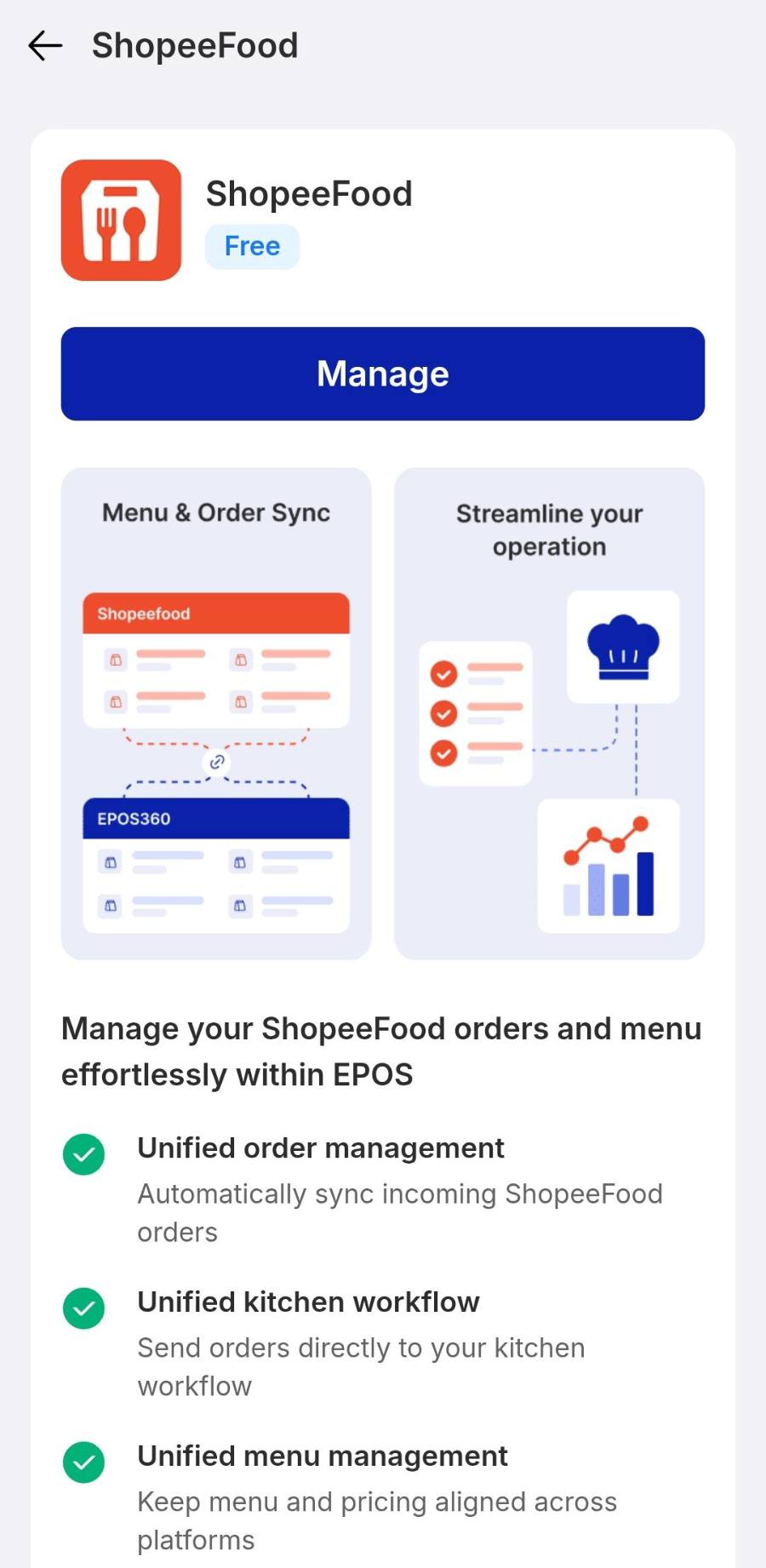
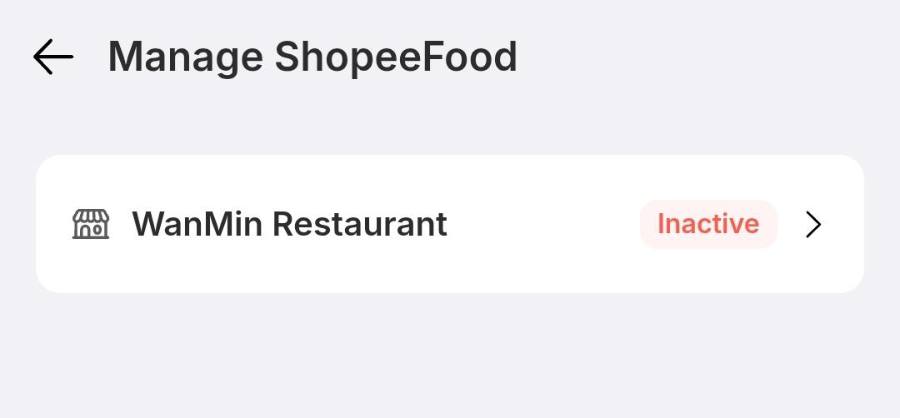
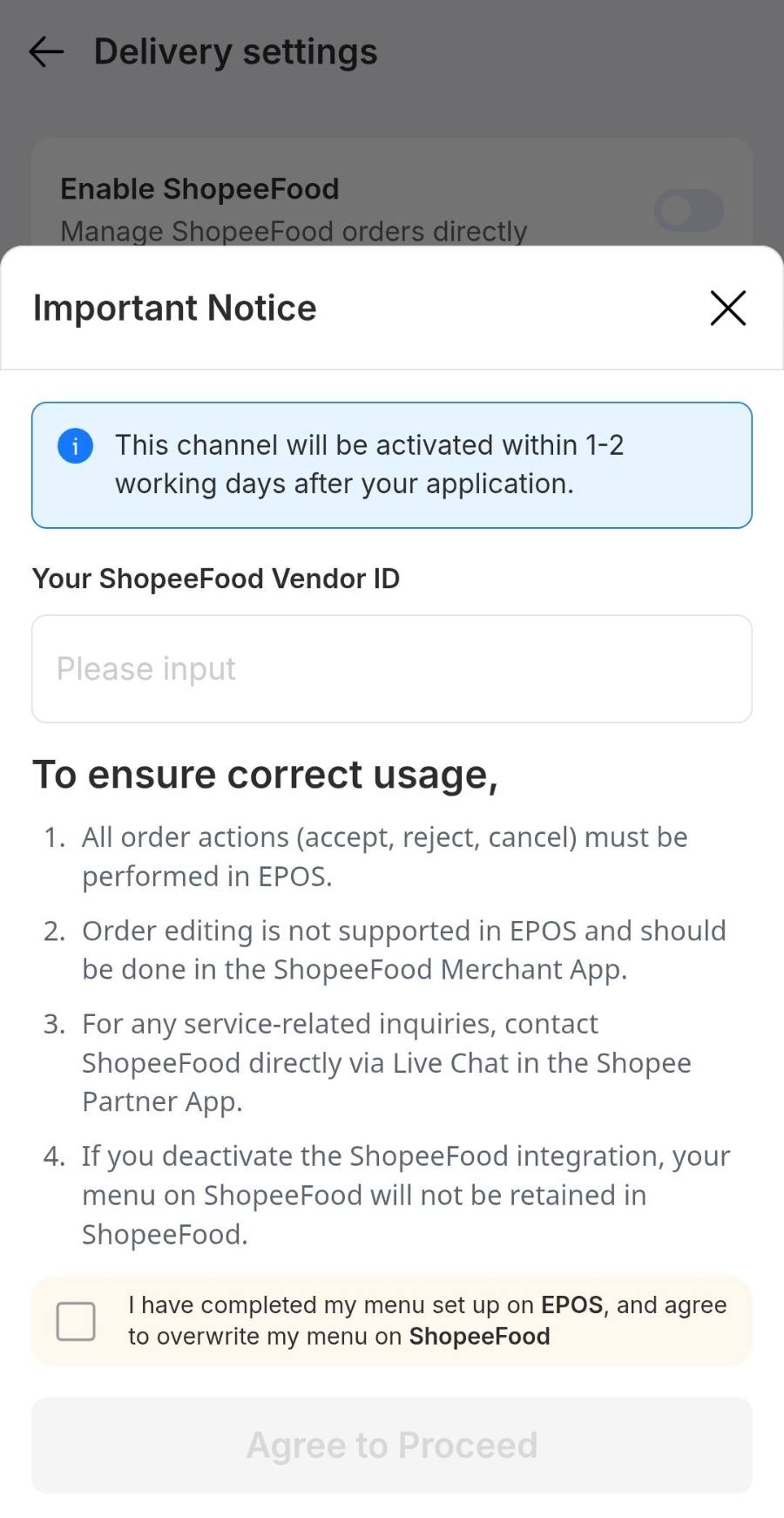
Tap ShopeeFood, then Manage, and select your outlet. Switch the enable toggle on, then in the notice enter your ShopeeFood Vendor ID and tick the confirmation — Agree to Proceed stays greyed out until both are done. Tap it to submit.
IF IT LOOKS WRONG
Still showing In progressing
Normal for Foodpanda and ShopeeFood. They verify at their end and switch to active within 1 to 2 working days.
Delivery prices are too low
Set a delivery markup in Item Management › Customize Pricing, as a fixed amount or a percentage, then sync again.
Agree to Proceed is greyed out
The Vendor ID is empty or the confirmation box is unticked. Fill both and the button turns blue.
An item is missing on the platform
Menu structure is owned by the platform app. Add or edit items in GrabMerchant, Foodpanda or Shopee Partner, not in EPOS.
