
Run ads and campaigns
Set up a discount with a promo code and a minimum spend, then decide how customers see it: a banner in the menu, a pop-up on arrival, or a bar along the bottom.
WHO THIS IS FOR
Anyone running a promotion
— a festive offer, a slow-afternoon discount, a launch deal.
Owners lifting the basket size
with a minimum spend attached to the discount.
BEFORE YOU BEGIN
Publish your store first. Online ads appear on the storefront, so it has to be live.
Decide the numbers up front: the discount, the promo code customers type, and the minimum spend that unlocks it.
THE STEPS
Pick the device in front of you.
Create a campaign
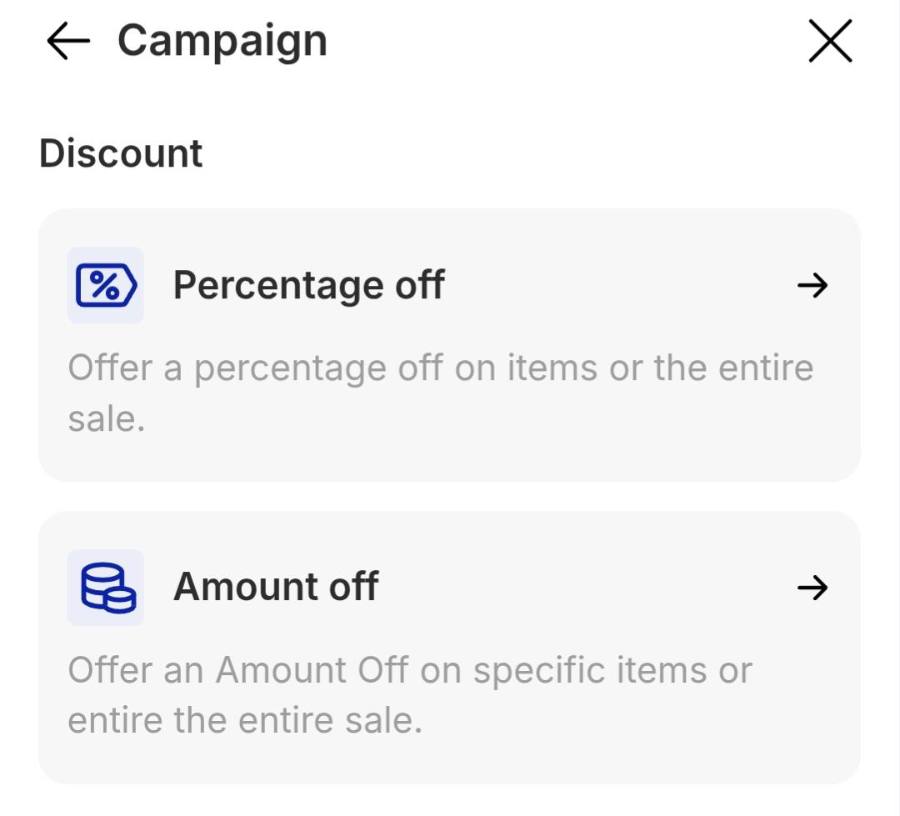
Tap the Marketing tab, then Campaign. Tap Create + at the top right and pick the discount type: Percentage off for a proportional cut, or Amount off for a flat ringgit deduction.
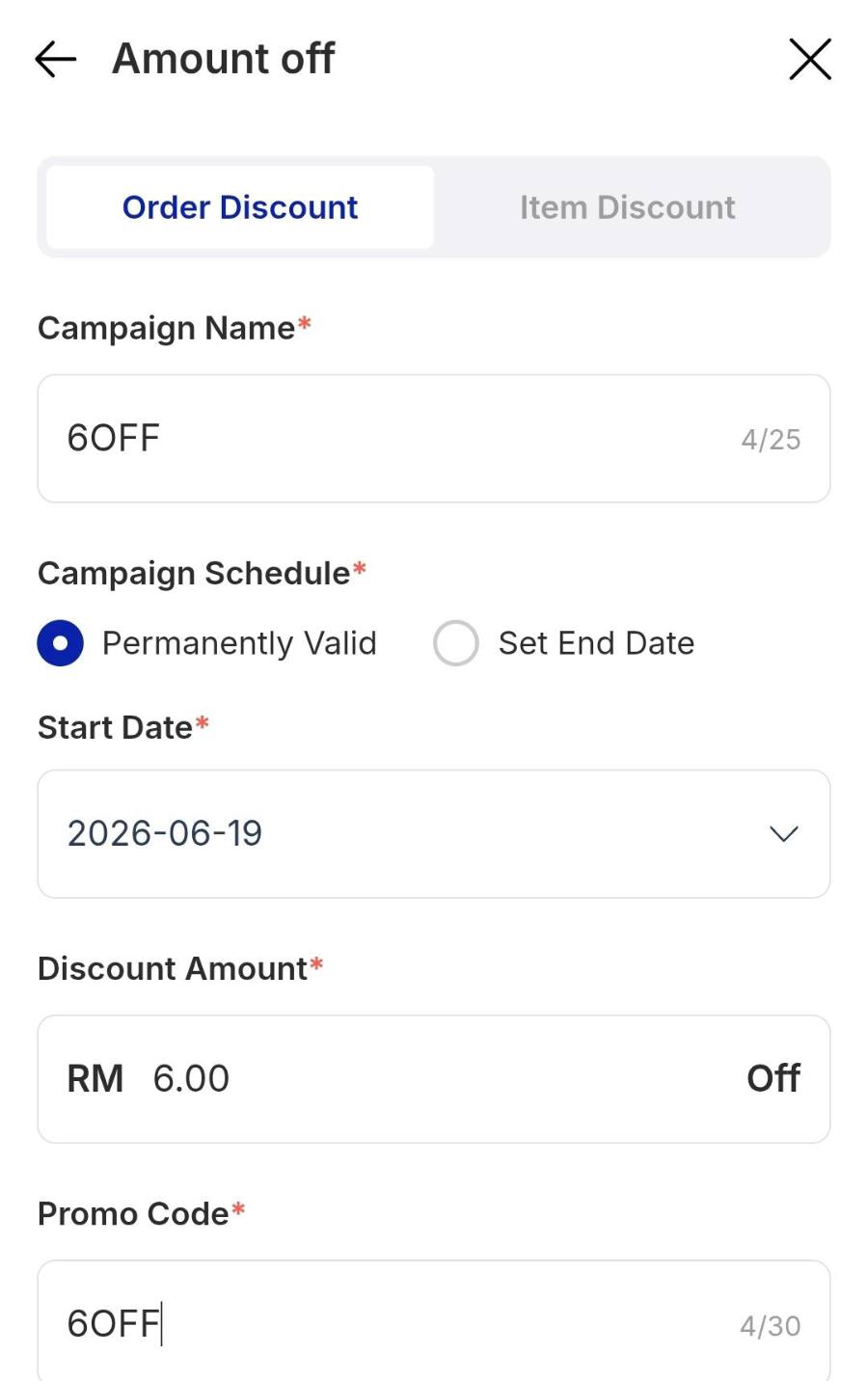
Set the rules
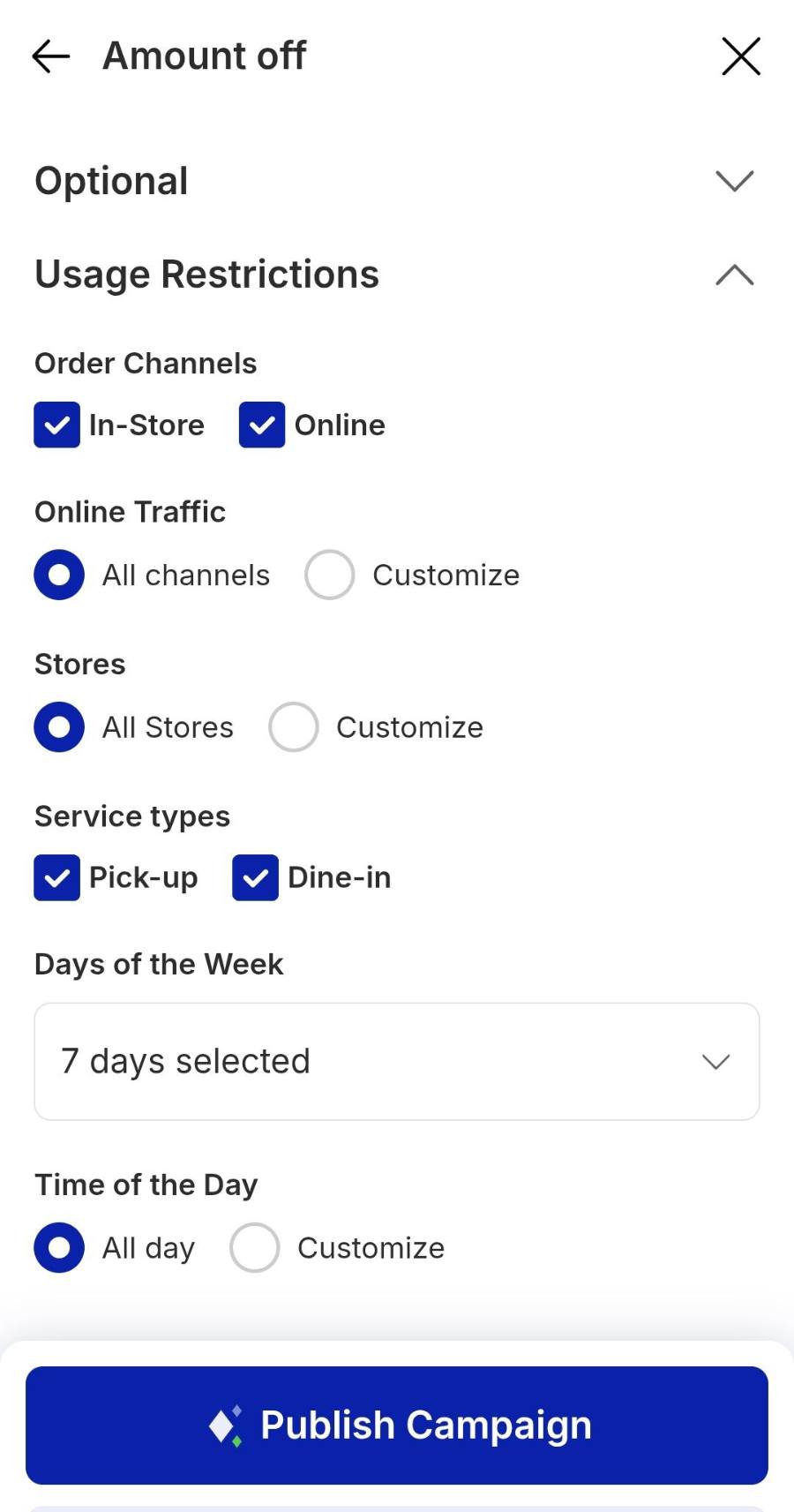
Fill in the campaign form, then tap Publish Campaign.
Publish the ad
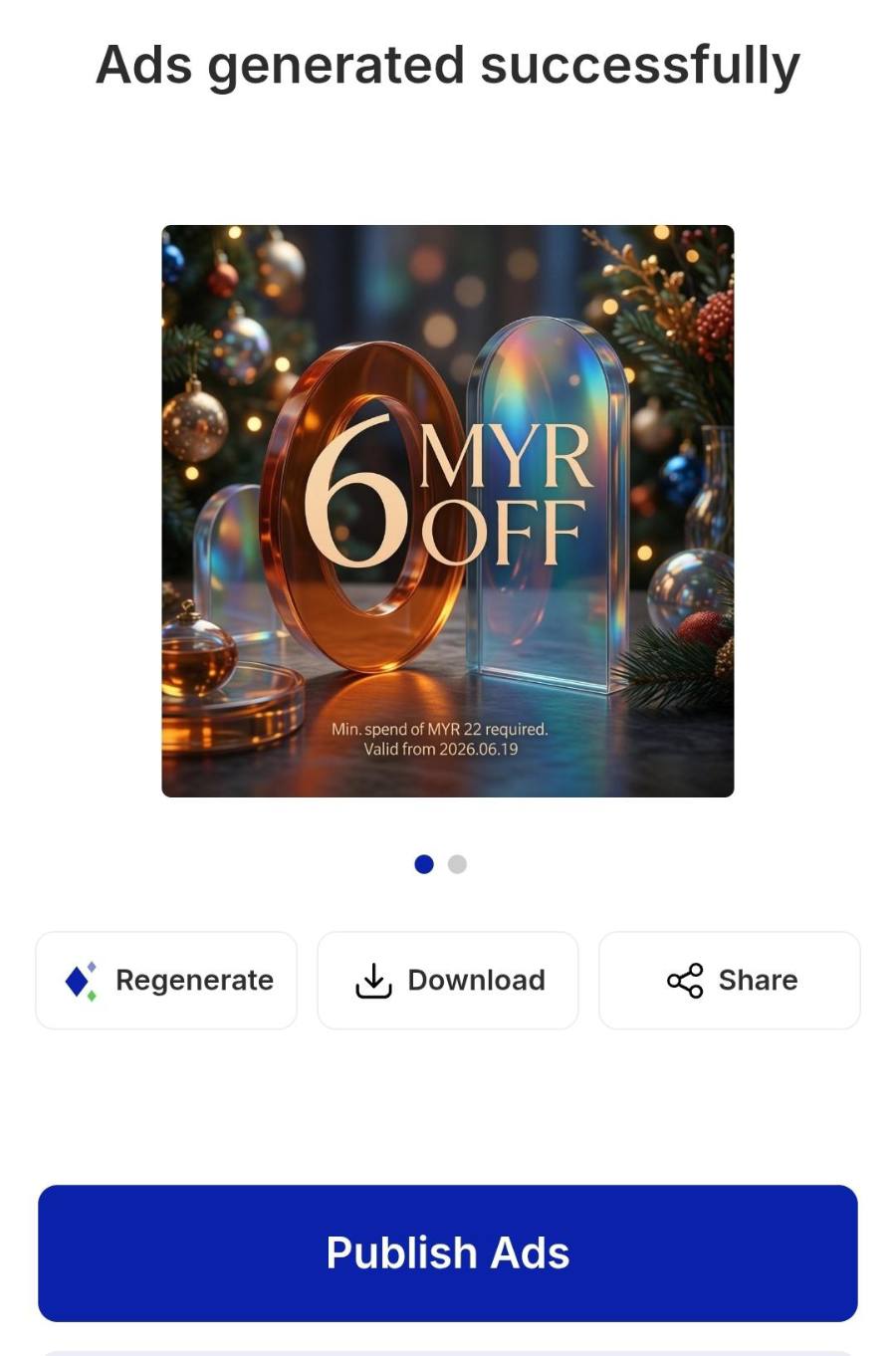
Once the campaign saves, you get Ads generated successfully with a ready-made image showing the offer and its minimum spend. Tap Publish Ads to push it live, or Regenerate for a different design. A green Ads published successfully toast confirms it.
Choose where it appears
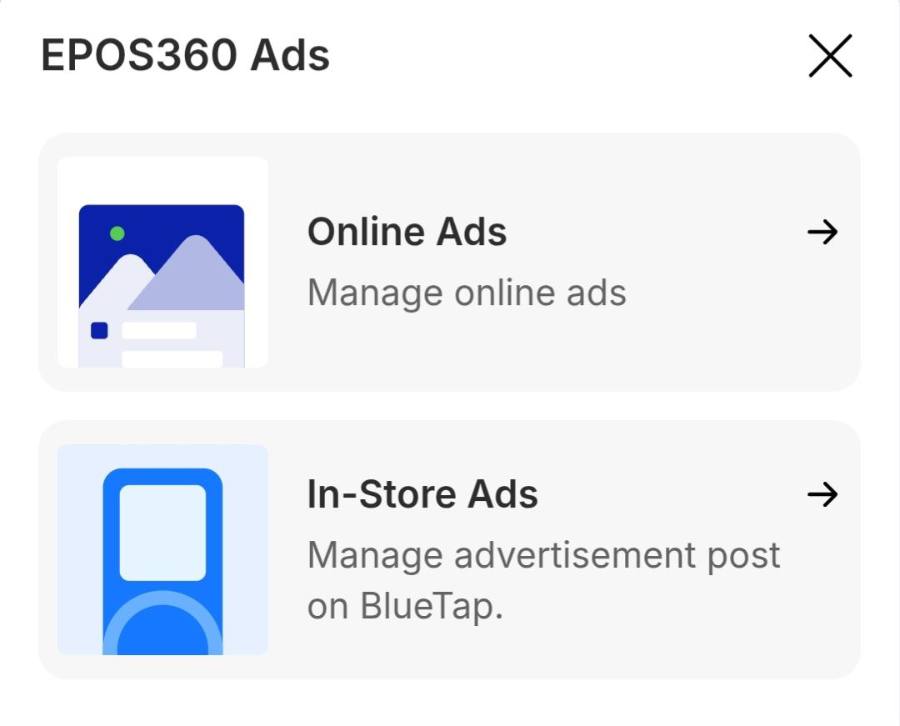
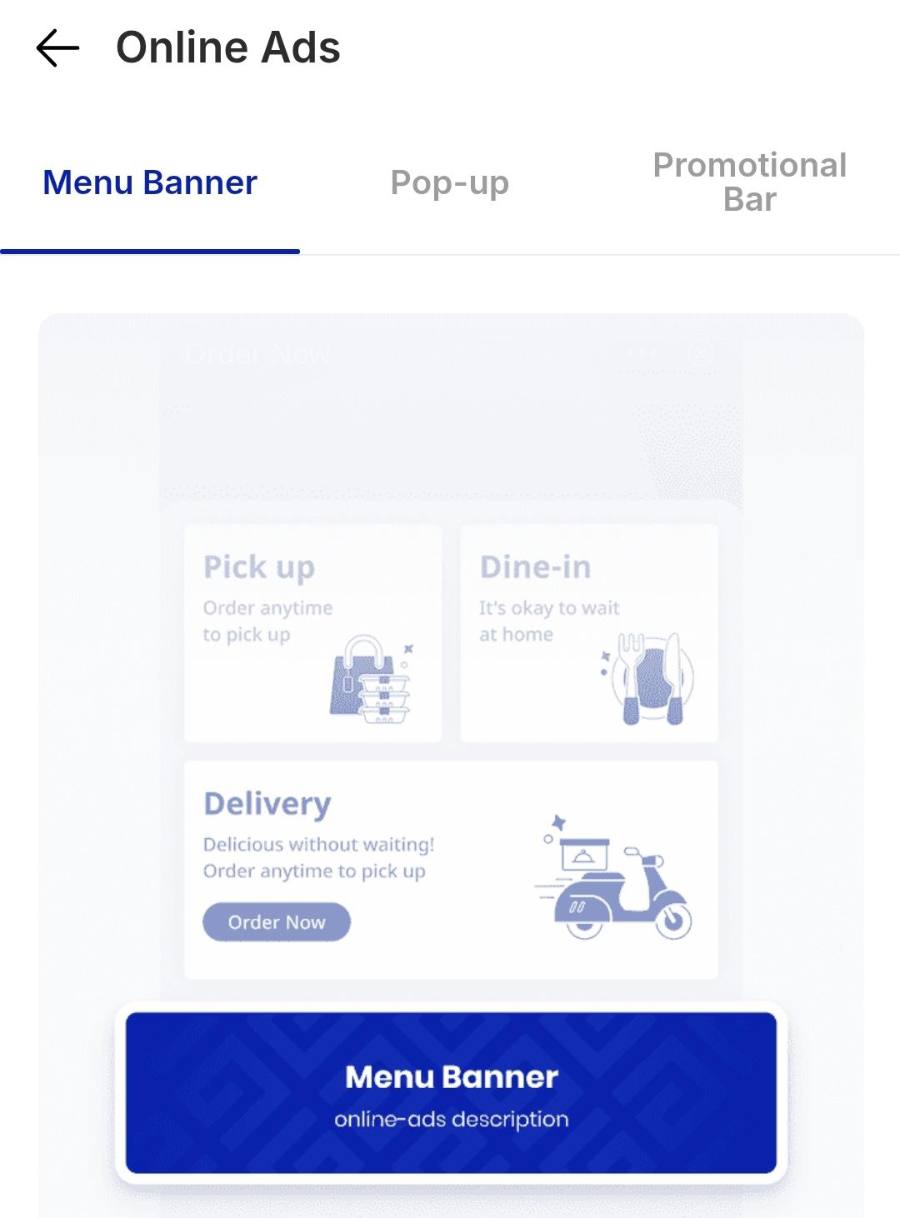
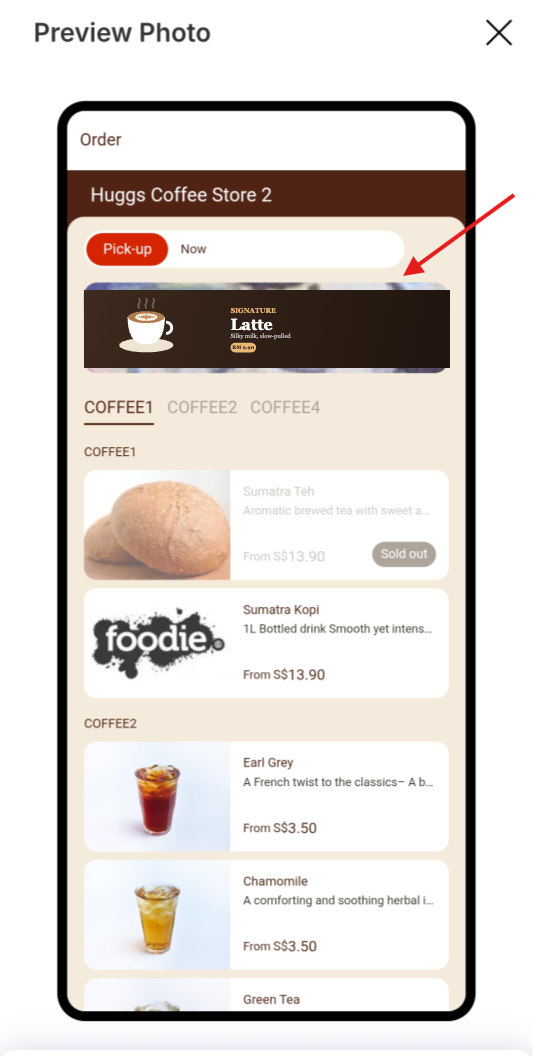
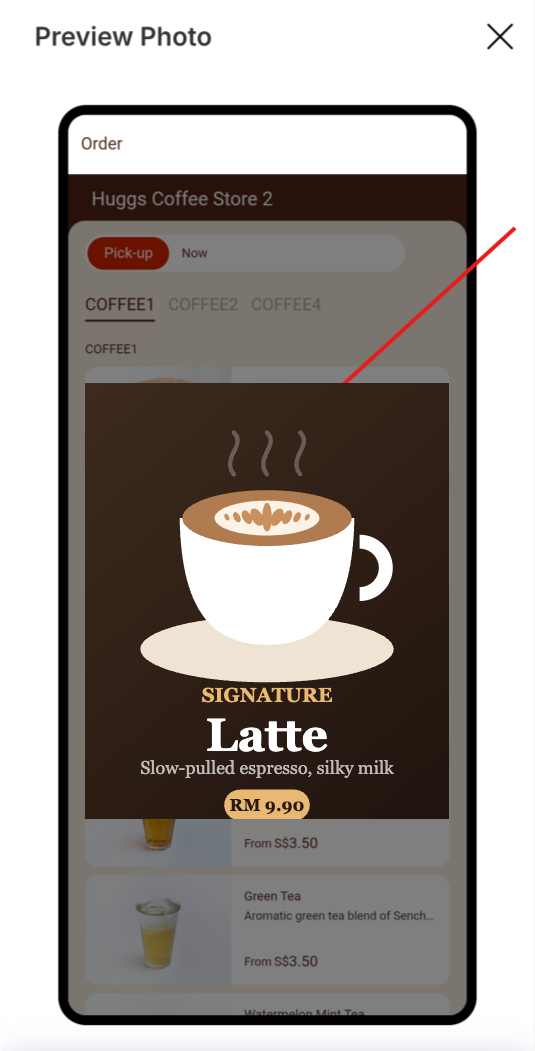
On the Marketing panel, tap EPOS360 Ads, then Online Ads, then Create Online Ads. Three tabs decide the placement.
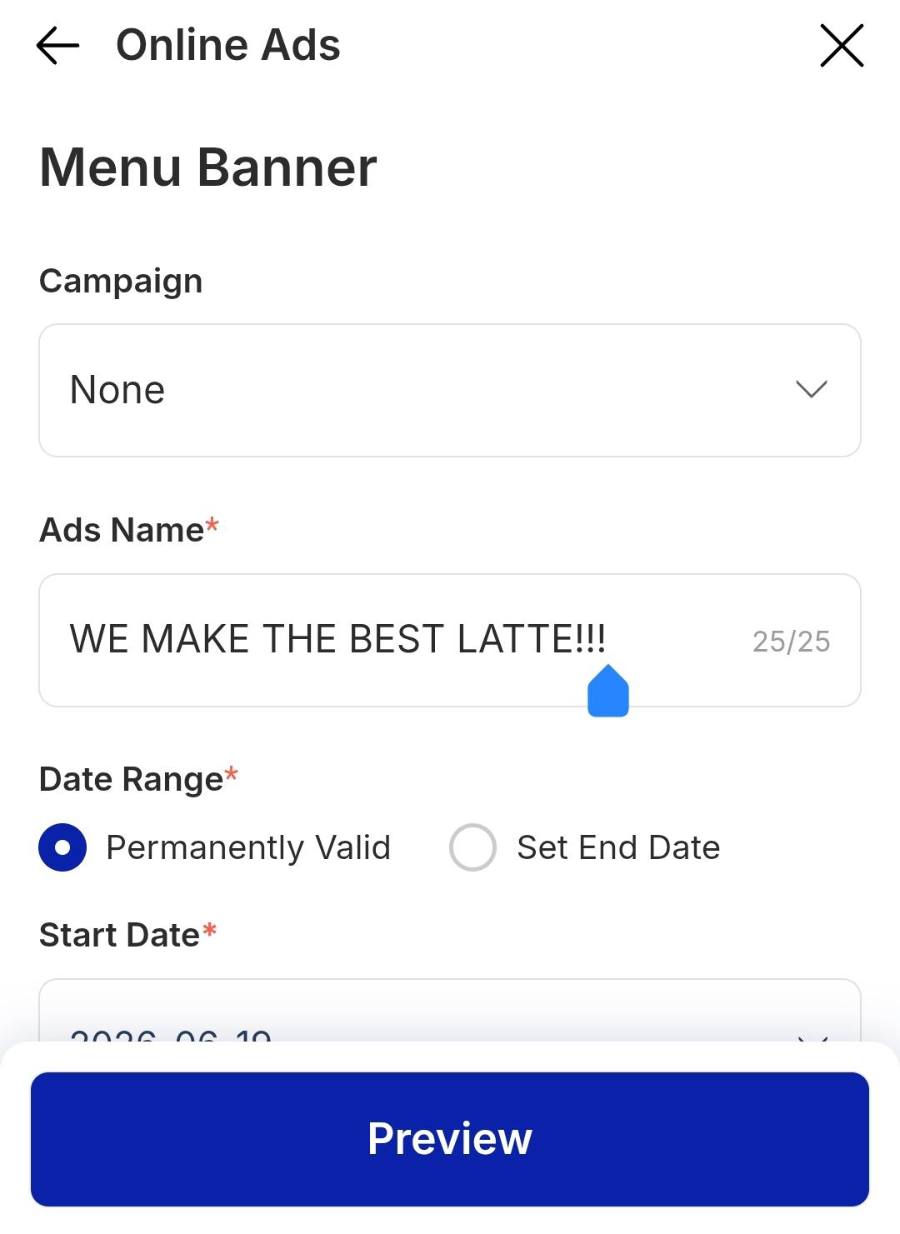
In the tab you pick, choose the campaign, type the ad title customers will read, then tap Preview or Create to put it on your storefront.
Preview before you confirm
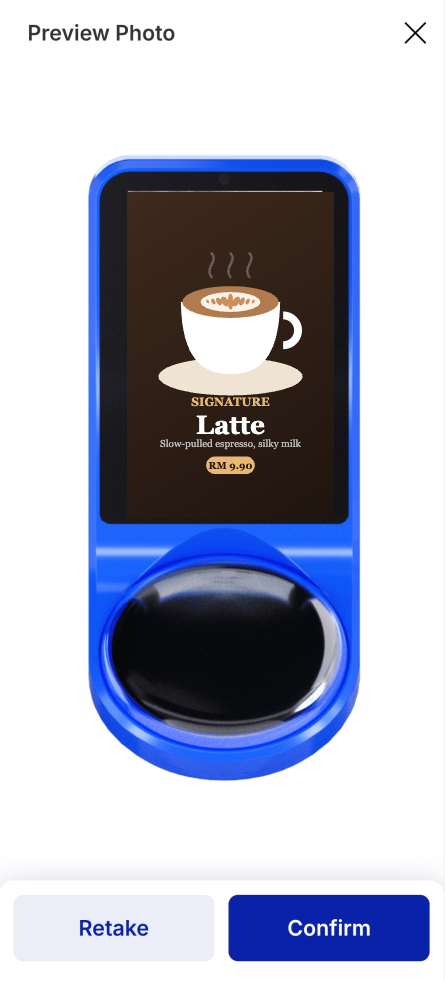
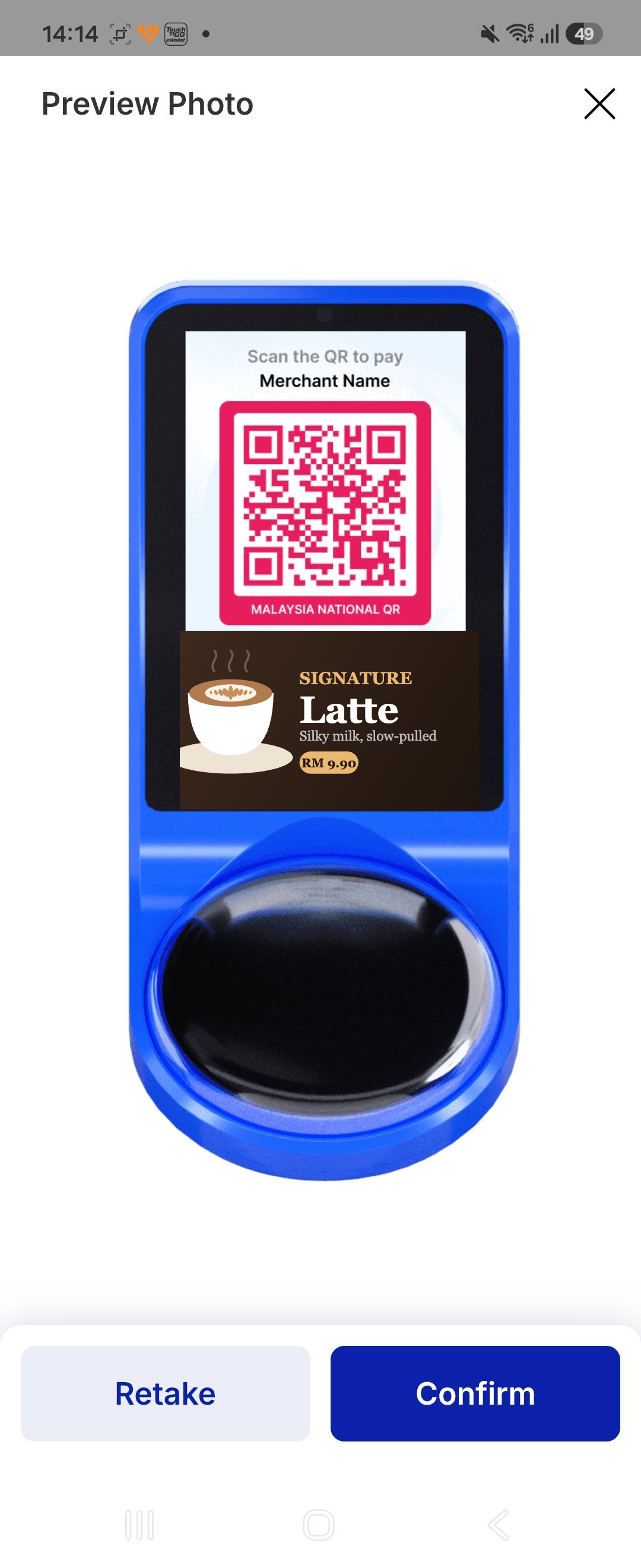
Preview Photo shows the ad exactly as customers will see it. Check the crop and that any text on the image is still readable at that size, then tap Confirm — or Retake to upload a different image.
IF IT LOOKS WRONG
The promo code is rejected
Check the minimum purchase. Below that spend the code will not apply, even though the campaign is live.
The ad is nowhere on the store
Publishing the campaign is not the same as publishing the ad. Tap Publish Ads, then create the placement under Online Ads.
It works online but not in store
Order Channels under Usage Restrictions controls that. Tick In-Store as well as Online.
